


Directions EMEA 2026: Business Central is transitioning from «ERP with Copilot» to an agent-based business management system…
Key Insights from the Team Clarity Ukraine from the largest conference on Business Central in Paris
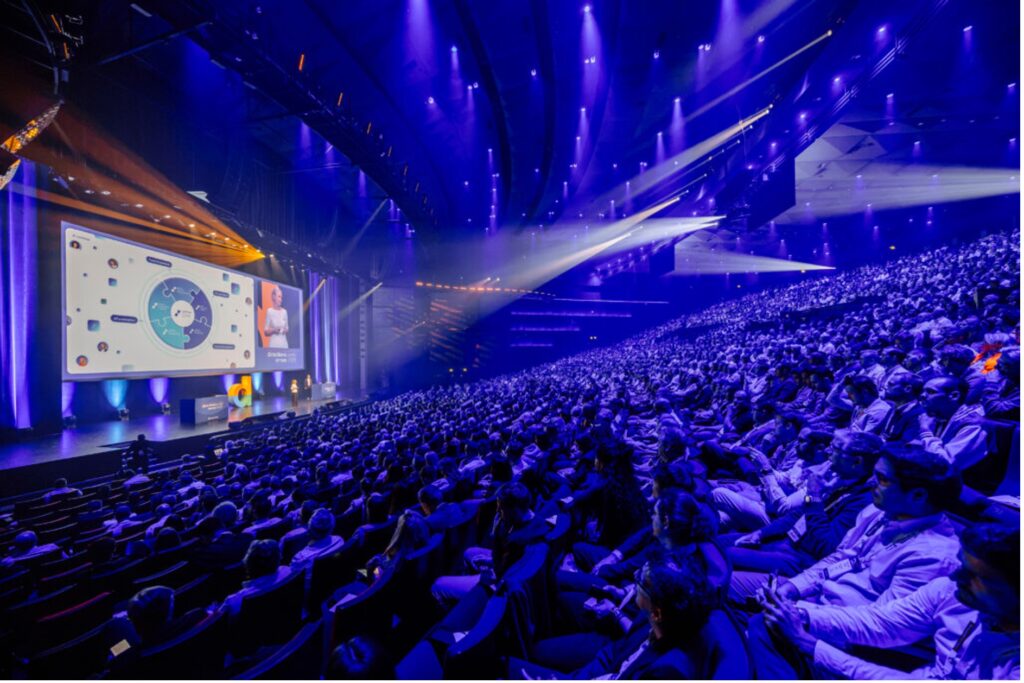
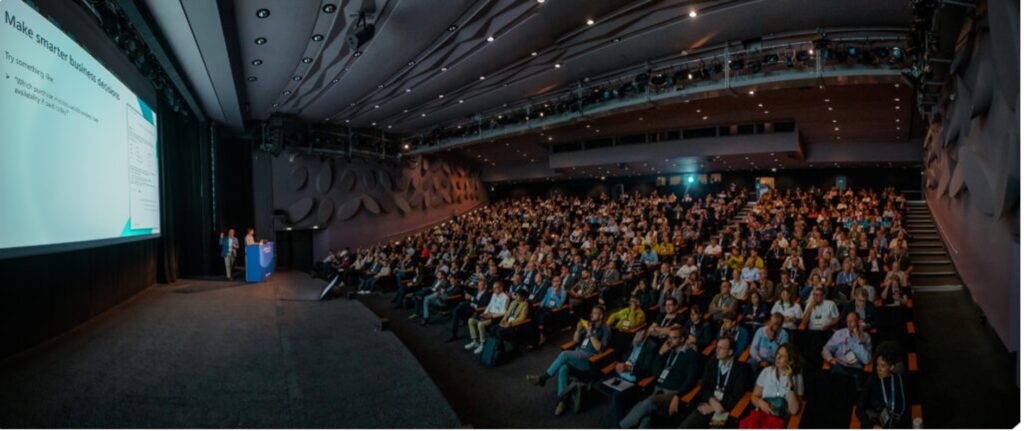
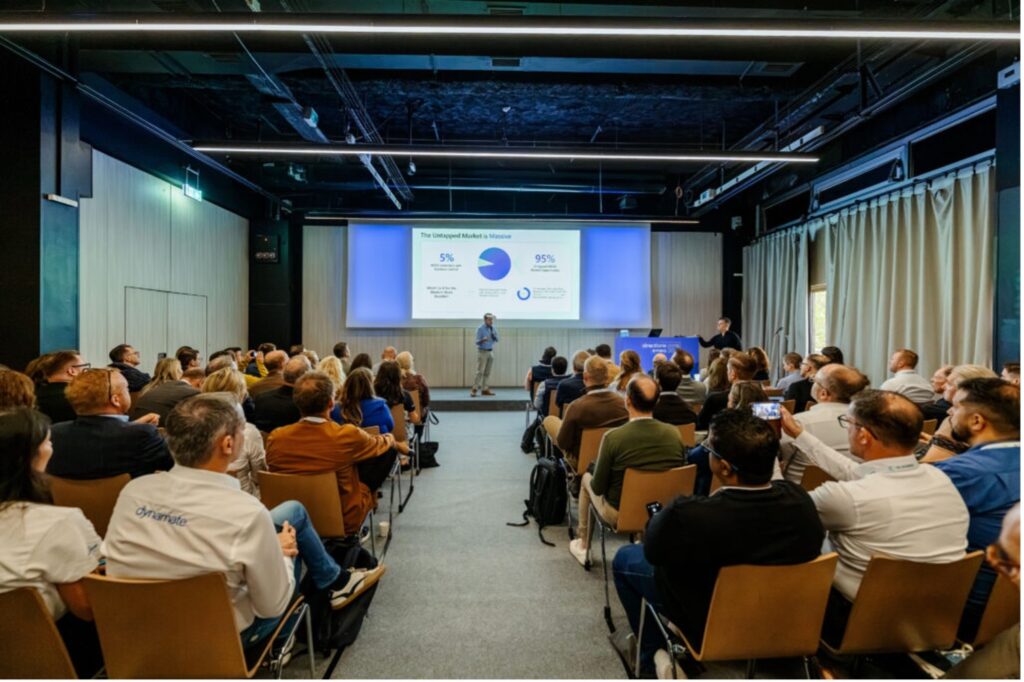
At the end of October, the Clarity Ukraine team made its traditional trip to the largest conference for Microsoft Dynamics 365 Business Central implementation partners. This year’s Directions EMEA 2026 conference took place in Paris and brought together nearly 3,400 representatives of the ecosystem Microsoft Dynamics 365 Business Central.
While in previous years participants mainly discussed the potential of generative AI, the tone of this year’s conference was different: AI is no longer viewed as an experimental add-on to ERP. It is gradually becoming a new way of interacting with business systems, their data, and their processes.
Business Central is gradually evolving from a system where users manually search for data and perform operations into a platform that can be interacted with using natural language, where users can delegate parts of processes to agents and receive results outside the traditional ERP interface. And this will certainly open up new opportunities for increasing team productivity.
From Searching for Information to Taking Action
One of the key announcements was the concept of One Copilot in Business Central, or a single, context-aware Copilot integrated directly into the ERP work environment. Instead of a set of disparate AI features, the user gets a single assistant that understands the context of the company, its pages, and its business operations.
During demonstrations, Copilot analyzed a client’s order and helped determine whether it was appropriate to increase the credit limit. In another scenario, it assessed the consequences of a supply issue, drafted an explanation for management, and even created a presentation outlining recommended actions.
This illustrates the transition between the three stages of AI use in ERP:
- Users ask questions in natural language instead of manually applying filters, opening reports, or exporting data to Excel.
- Copilot compares data from orders, financial documents, inventory, or operational metrics and draws a conclusion.
- The system not only explains what is happening, but also proceeds to create documents, update records, or initiate a process, while maintaining human control over critical decisions.
It is the third stage that represents a fundamental shift. AI is no longer merely an information assistant and is evolving into a full-fledged participant in business processes.
Business Central in Microsoft Copilot: ERP without having to open the ERP system
Another important topic covered at the conference was the integration of Business Central data with the broader Microsoft Copilot ecosystem. A partner preview was announced for November–December 2026.
The practical idea is simple: users will be able to ask questions about the business without having to open the ERP system separately. For example:
- which products are running out in some stores but remain in surplus in others;
- how sales have changed compared to the same period last year;
- which customers have past-due balances;
- which orders are at risk of being shipped late;
- How will supply disruptions affect the fulfillment of open orders?.
Essentially, ERP data should be accessible within a familiar AI interface alongside information from Outlook, Teams, SharePoint, and other Microsoft services.
This trend is often described as headless ERP. This does not mean abandoning the Business Central interface, but rather that it will no longer be the sole point of access to the ERP. Some employees will be able to interact with data through Copilot, an agent, Teams, or another business application.
AI agents are becoming part of ERP processes
In version 29 of Business Central, Microsoft continues to develop several agent classes. Among the most notable are:
Sales Order Agent
The Sales Order Agent handles customer inquiries received via email. He or she can:
- identify the items and quantities listed;
- find the appropriate items in the product catalog;
- check availability;
- prepare a commercial proposal;
- create a draft order;
- draft a response to the client;
- Give the document to someone to review.
The most important thing here is not the automatic creation of a single document, but the ability to process part of the «customer inquiry → product inspection → quote → order» workflow.
At the same time, practical tests conducted by the Clarity Ukraine team show that the agent’s performance still depends heavily on the language of the query, the structure of the message, and the quality of the product catalog descriptions. During testing of Ukrainian-language scenarios, the agent did not always reliably recognize products, especially when the names in the email and in the product catalog differed or contained different linguistic variants. Therefore, today it should be considered as supervised automation with human verification, rather than as a process that can be launched immediately and run completely autonomously.
This is an important note for Ukrainian companies. Before launching the agent, you must verify the following:
- in which language the nomenclature is written;
- whether synonyms and article numbers are used;
- to what extent product names are standardized;
- Are there enough test orders in Ukrainian?;
- At which stages is the employee's confirmation required?.
Payables Agent
Payables Agent is designed to automate accounts payable. It processes incoming invoices, identifies the supplier, reconciles the data with accounts and purchase orders, prepares the document for approval, and leaves control over exceptions in human hands.
In version 29, Microsoft released an improved purchase order matching feature in Payables Agent, making it generally available.
For the finance department, this is one of the most promising scenarios, since invoice processing often involves a significant amount of repetitive work:
- document upload;
- recognition of account details;
- search for a supplier;
- comparison with a contract or order;
- definition of accounting accounts;
- submission for approval;
- Discrepancy control.
However, it is precisely here that localization, tax requirements, the format of source documents, and the quality of reconciliation are of critical importance.
Expense Agent
Expense Agent helps employees submit expenses through a dedicated web interface, extract information from receipts, and link expenses to the appropriate projects. As part of the first wave of 2026, Microsoft added the ability to assign a project in the Expense Agent web app.
For service and project-based companies, this potentially shortens the process from a photo of a receipt to a correctly classified expense in the accounting system.
Centralized Agent Control Center
One of the less high-profile but very practical new features in version 29 is the introduction of a separate task panel for working with all agents.
Microsoft added:
- a shared task panel for tasks from different agents;
- easier permission management;
- the ability to review generated content directly on the pages;
- an updated agent interface;
- Avatars of the authors and editors of posts.
Most of these features are already marked as "generally available" in Business Central 29.0. [learn.microsoft.com]
The future of ERP will be determined not only by the number of agents, but also by the maturity of the system that manages them.
MCP Server: A Bridge Between Business Central and External Agents
The development of the Model Context Protocol (MCP) has become a separate strategic focus. The MCP Server provides AI agents with a standardized way to work with Business Central data and tools.
In version 29, the ability to query data via the MCP Server has been made generally available. Microsoft is also developing MCP diagnostics, dynamic configuration of AL workspaces, and integration with external agents. In practice, this means that an agent created in Microsoft Copilot Studio or another compatible environment can gain controlled access to ERP functions. For example, it can:
- find a customer or a product;
- check the balances;
- get a sales history;
- initiate an authorized business transaction;
- prepare a document;
- Return the result to the user in Copilot or Teams.
However, MCP should be viewed not as an «open door to ERP,» but as a controlled interface. Companies need to determine in advance:
- which tables and functions the agent will have access to;
- which actions are permitted without confirmation;
- which operations require a human-in-the-loop approach;
- how requests will be logged;
- how to prevent financial or personal data leaks;
- What will happen if the model misinterprets the query?.
Custom Agents and Agent Playground
Another important trend at the conference: agents no longer need to be created exclusively by the Microsoft team. Partners and customers are gradually being given the tools to build their own agents tailored to a specific industry or process.
Agent Playground lets you experiment with agent scenarios and describe the desired behavior in natural business language. This makes it possible to create highly specialized solutions, such as:
- an agent responsible for monitoring past-due accounts receivable;
- replenishment agent;
- procurement coordination agent;
- order margin check agent;
- an agent for preparing project reports;
- an agent for analyzing intercompany transactions;
- a production defect control agent.
The best flight plans for the first pilot have four characteristics:
- The process is repeated regularly.
- Its rules can be clearly described.
- The input data is already in digital form.
- An agent's error can be detected before an irreversible financial transaction takes place.
That is why it is better to start with preparing drafts, classifications, reviews, and recommendations, rather than with processing payments independently or modifying critical reference files.
A New Generation of Development: AI Writes Code, but Responsibility Remains
Directions EMEA 2026 also highlighted a significant shift in the development of extensions for Business Central. AI is becoming increasingly adept at generating AL code, explaining existing objects, creating tests, and helping to diagnose errors.
Version 29 includes a number of improvements for developers:
- Running AL tests from the command line and in CI/CD;
- AI-based diagnosis of slow sessions;
- debugging identified errors using an AI agent;
- dynamic MCP workspaces;
- simplifying the development of AL extensions in Visual Studio Code;
- data-driven test suites;
- the ability for agents to allocate available AL object IDs;
- Page Scripting has been released to general availability.
However, the main takeaway from the conference was not that «AI now writes code.» On the contrary, the focus is shifting from writing code to verifying it.
According to the results of AI testing on real AL errors presented at the conference, in more complex cases, the AI found the correct solution in only about half of its attempts. The code might compile, but it could contain incorrect business logic.
Therefore, the following are becoming increasingly important:
- test-driven development;
- spec-driven development;
- automated regression testing;
- standardized code reviews;
- architecture check;
- security checks;
- Involvement of an experienced AL developer in the final approval process.
AI can dramatically speed up the development of a solution’s first version. But it is the specifications, tests, and expert review that will determine whether this version can be used in actual accounting. Therefore, at Clarity Ukraine, while we value all innovations and the use of AI, we are confident that only deep expertise and an experienced team will be able to deliver truly high-quality system implementations and configurations.

What's New in Business Central 29 (Excluding AI)
Although AI was the dominant topic at the conference, Business Central 29 also saw changes in other areas. Among the key topics:
- expansion of financial reporting;
- automation of report generation;
- improving document design;
- the development of electronic documents and EDI;
- improvements to the Shopify integration;
- new opportunities for the supply chain, manufacturing, and subcontracting;
- further development of sustainability management;
- New tools for administering and managing the platform.
Another important change is the new way roadmaps are published. Starting in September 2026, Microsoft will no longer release new classic Release Plans for Business Central. Future features will be published via the AI at Work roadmap, while previous plans will serve only as a historical reference. For customers and partners, this means that evaluating changes only twice a year is no longer sufficient. You’ll need to keep track of the roadmap, preview features, and monthly updates on an ongoing basis.
Key Takeaway from Directions EMEA 2026
Directions EMEA 2026 showed that the future of Business Central lies not simply in adding Copilot to the familiar ERP interface.
A different model of operation is taking shape:
- The user describes the need in natural language;
- Copilot finds and explains information;
- the agent processes the request;
- Business Central provides data, rules, and accounting logic;
- MCP connects ERP to a broader ecosystem of agents;
- A person controls exceptions and critical decisions;
- Automated tests verify that the functionality works correctly.
In this model, ERP does not disappear. On the contrary, its role becomes even more important. It is ERP that remains the source of verified data, rules, access rights, and an audit trail.
The winners will not be the companies that are the first to implement the largest number of AI features. Those who can combine high-quality data, well-defined business processes, security, governance, industry expertise, and human oversight will gain a competitive advantage. It is precisely this foundation that transforms AI from a flashy demonstration into a real tool for boosting productivity.
At Clarity Ukraine, as an ERP system implementation company, we are convinced that this trend will gradually spread to the Ukrainian market as well. At the same time, a significant number of Ukrainian companies still use Russian software for accounting or are cautious about adopting cloud-based solutions.
That is why Clarity Ukraine plans to introduce innovations gradually, taking into account its clients’ readiness for new technologies. Currently, the company is focused on implementing ongoing projects and on developing and improving the Ukrainian localization of the ERP system.
This lays the necessary foundation for Ukrainian companies to transition from outdated accounting solutions to a modern cloud-based ERP system with extensive functionality and access to the Microsoft technology ecosystem.
